Your hardware. Your choice.
NibbleOS runs on the devices you already own, or pair it with purpose-built smart terminals. No proprietary lock-in.
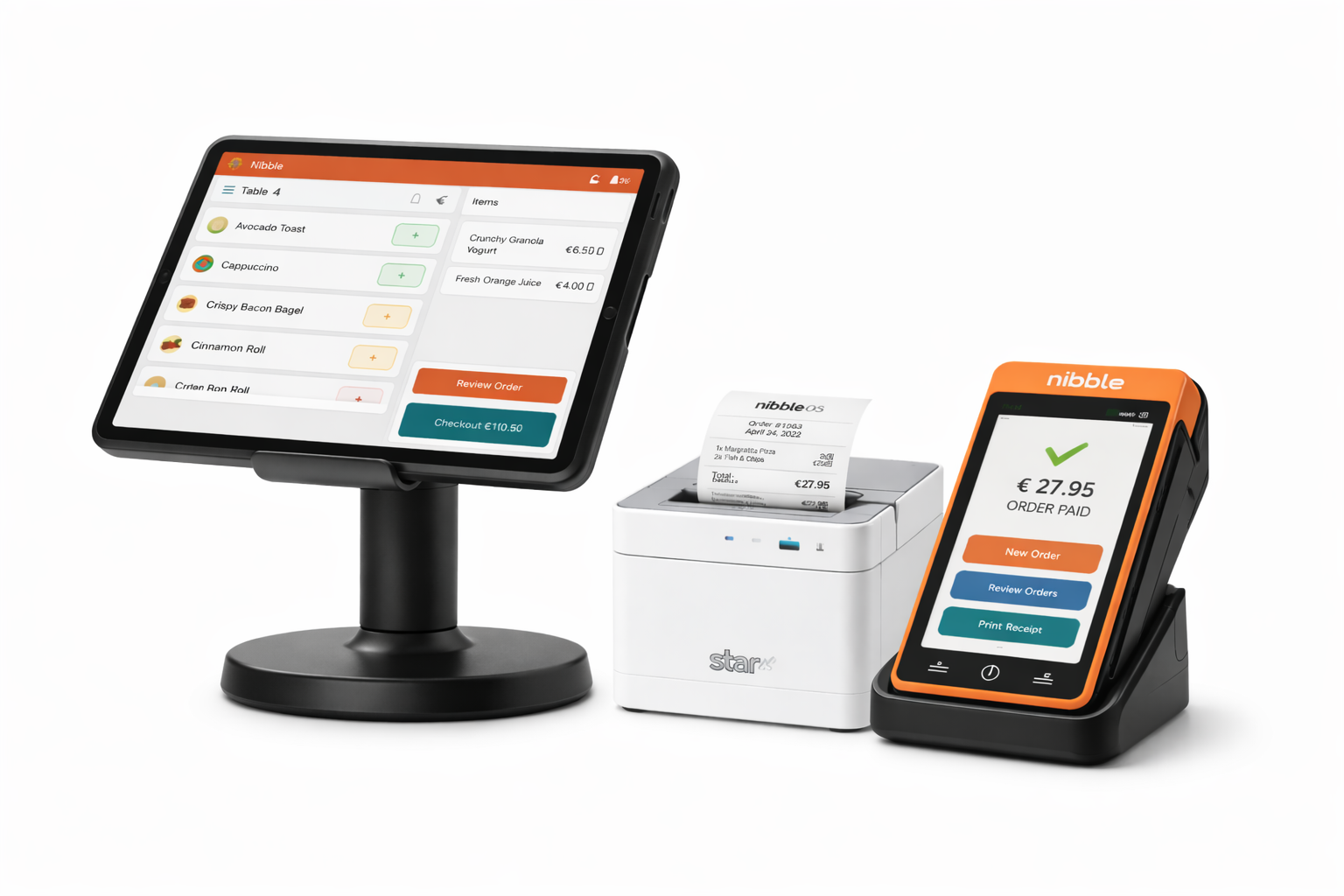
Three ways to run NibbleOS
From a dedicated smart terminal to your own phone. Pick the setup that fits your business.
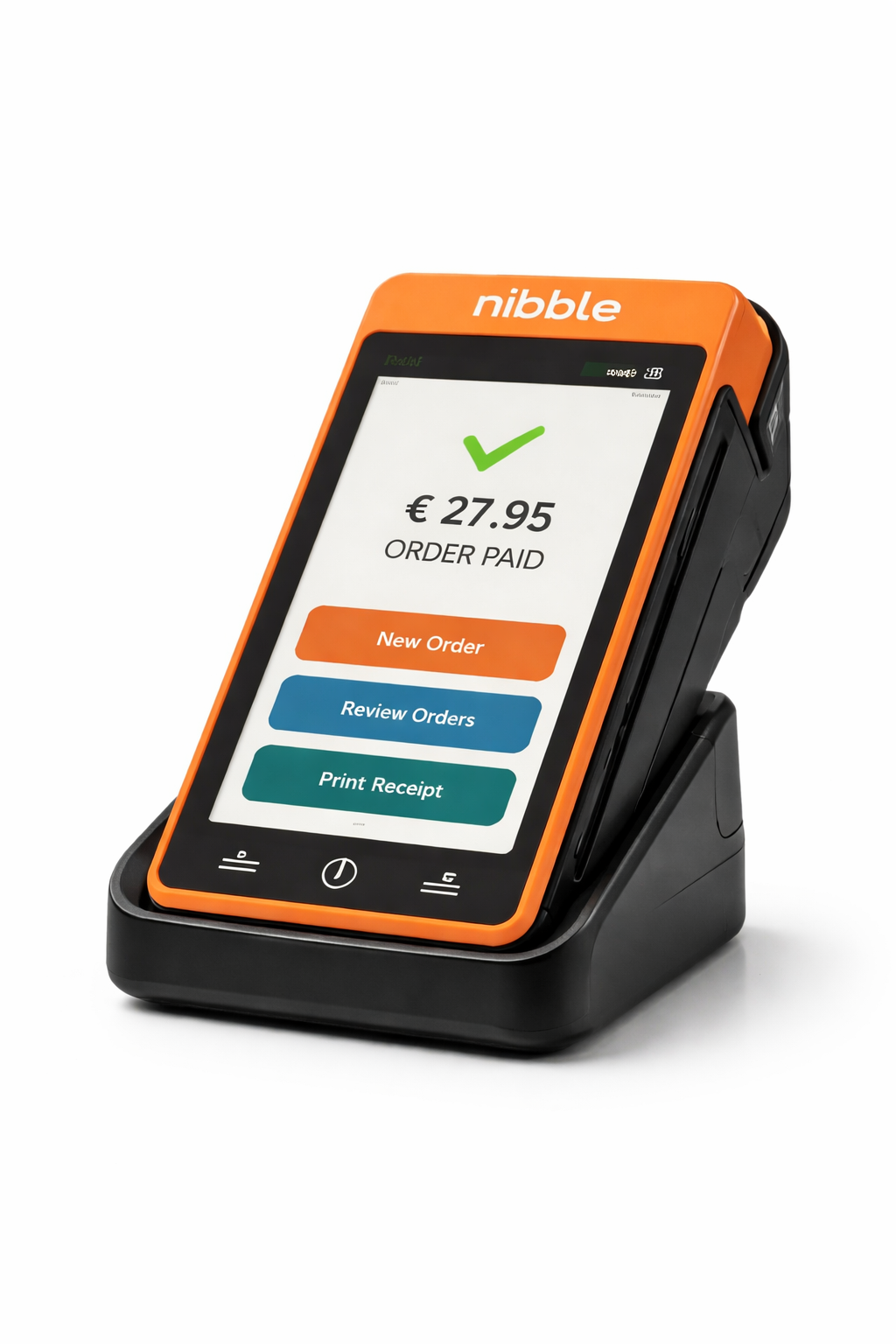
Counter Setup
Stripe S700 Smart Terminal
Your entire POS in one device. Touchscreen smart terminal with built-in NibblePOS and integrated card reader. Customer-facing display shows order totals.
- 7" Android touchscreen
- Built-in NibblePOS + card reader
- Customer-facing display
- WiFi + Ethernet
- Chip, contactless, Apple Pay, Google Pay
Mobile Setup
Stripe S710 Portable Terminal
Take payments anywhere. Portable Android terminal with built-in NibblePOS, WiFi + cellular connectivity, and all-day battery.
- Portable Android touchscreen
- WiFi + cellular (built-in SIM)
- All-day battery
- Built-in NibblePOS + card reader
- Chip, contactless, Apple Pay, Google Pay
Phone Tap-to-Pay
Stripe Tap to Pay on Android
Your phone is your terminal. Accept contactless payments with just your Android phone and NibblePay. No extra hardware needed.
hardware cost
- Use your existing Android phone
- Accept contactless cards
- Apple Pay and Google Pay
- No reader to charge or lose
- Start taking payments in minutes
Orders print automatically
Star CloudPRNT printers connect over WiFi or Ethernet and auto-print every order the moment it comes in. No drivers, no apps — just plug in and go.
Star TSP143III
- Ethernet or WiFi
- 80mm receipt width
- Compact desktop design
- Cash drawer compatible
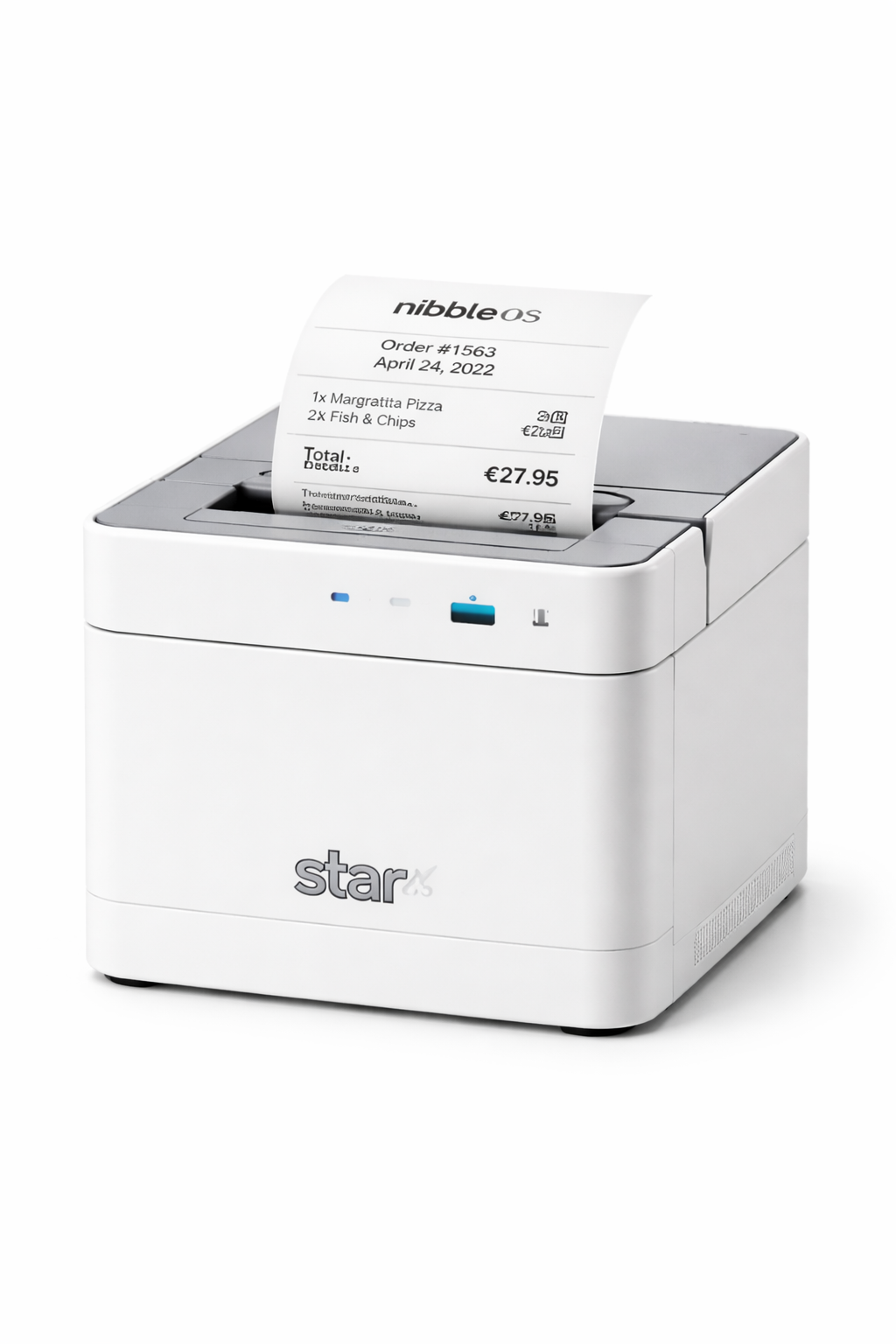
Star mC-Print3
- Ethernet, WiFi, USB & Bluetooth
- Modern compact design
- Very fast printing
- Perfect for limited counter space
Star TSP654II
- Ethernet connection
- Wider receipts for detailed orders
- High-volume durability
- Restaurant workhorse
How CloudPRNT works
Your printer polls NibbleOS for new orders over your internet connection. When an order comes in, it prints automatically — no port forwarding, no static IPs, no special setup. Just plug in and configure the printer URL in your NibbleOS dashboard.
Any tablet. Any browser.
NibbleKDS runs in a web browser. Mount any tablet in your kitchen and you have a fully-featured kitchen display. No app to install.
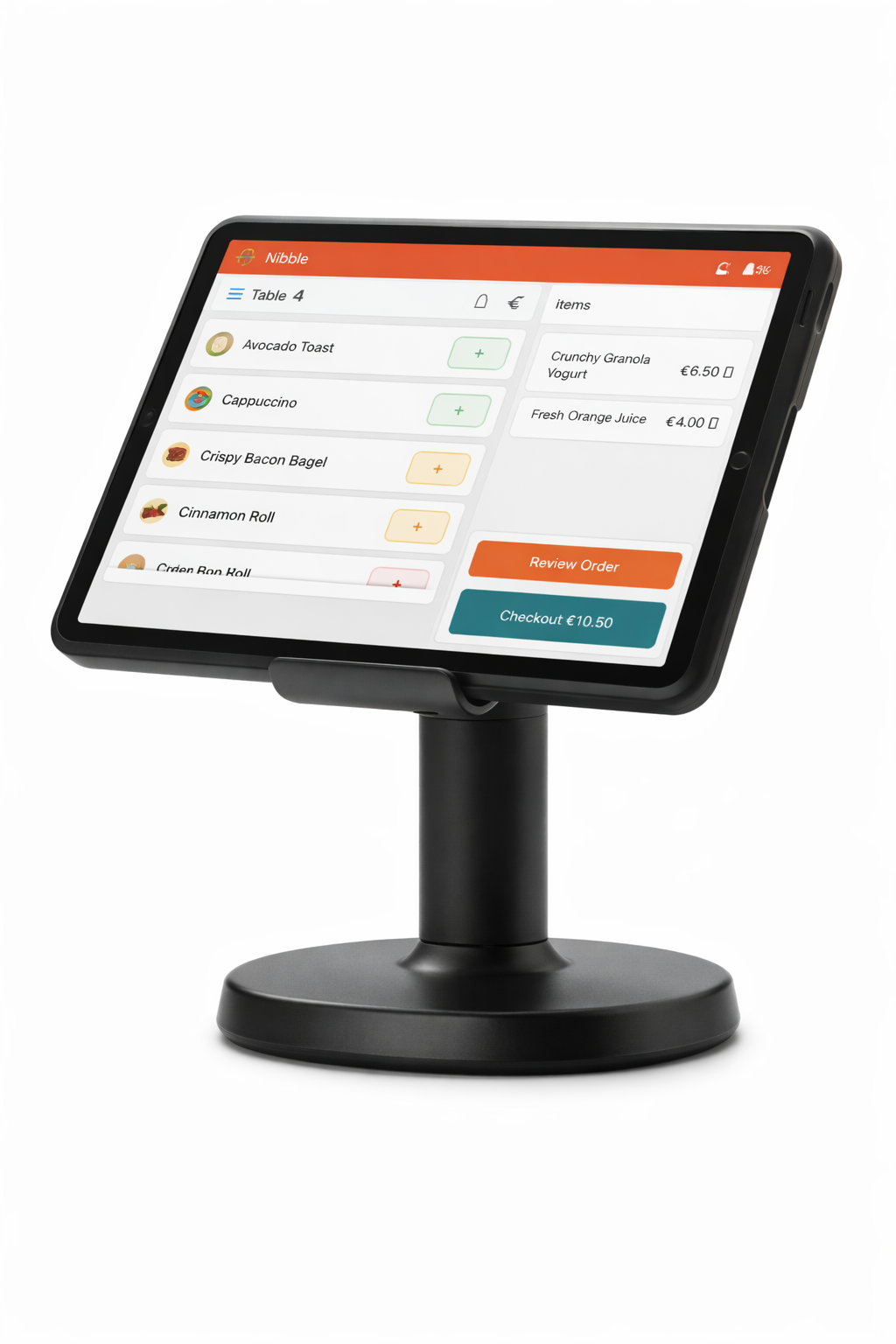
Amazon Fire HD 10
Samsung Tab A8
Samsung Tab A9+
iPad 10th Gen
Mounting options
Basic wall mount: €20–40 — simple bracket, does the job
RAM Mount: €50–80 — industrial, adjustable angle
Kitchen enclosure: €100–200 — splash-proof protection
Bouncepad: €150–250 — commercial grade, secure
Got a spare tablet?
If you have a tablet gathering dust, it probably works fine as a KDS. NibbleKDS is lightweight and runs on older devices. iPads from 2018+, most Android tablets from the last 5 years — give it a try before buying new.
Complete setups
Example bundles for different business types. All run NibbleOS out of the box.
Food Truck
Portable. Cellular. All-day battery.
- Stripe S710 (NibblePOS built-in) €549
- Your phone (backup / management) €0
Coffee Shop Counter
Full counter setup with auto-print.
- Stripe S700 (NibblePOS built-in) €449
- Star mC-Print3 €320
- Samsung Tab A9+ (KDS) €300
Restaurant
Professional setup with all the pieces.
- Stripe S700 (NibblePOS built-in) €449
- Star mC-Print3 €320
- iPad 10th Gen (KDS) €430
- Bouncepad mount €200
- Cash drawer €100
Bring your own hardware
Switching from another system? Here's what works and what doesn't.
Works with NibbleOS
- Any Android phone (tap-to-pay)
- Stripe terminals (S700, S710, M2)
- Star CloudPRNT printers
- Epson Server Direct Print printers (TM-M30III, TM-T88VII) (beta)
- SumUp readers
- Square readers
- Any tablet or phone for KDS
- Any cash drawer (via printer)
Not currently supported
- Zettle / PayPal readers
- Clover terminals
- Proprietary POS hardware
We're always adding support for more hardware. Let us know what you need.
Hardware questions
Do I need to buy hardware right away?
Why Stripe terminals?
Can I use my existing card reader?
What about SumUp and Square readers?
What if my printer breaks?
Start with what you have.
Upgrade when you're ready.
NibbleOS works on the devices you already own. Sign up for free and start taking orders today.
Get started freeNo credit card required. No contracts. Cancel anytime.